 |
 |
|
||||||||
| ||||||||||
| Home | History | Support | Articles | Screenshots | Download | F.A.Q. | Beta Area | Advertise here |
|
SpeedFan 4.52 Copyright 2000-2020 by Alfredo Milani Comparetti |

|
SpeedFan can access digital sensors available on your pc. By acessing available hardware monitor chips,
SpeedFan can show temperatures, voltages and fan speeds. SpeedFan can show S.M.A.R.T. data from almost
evey hard disk too. Temperature sensors from almost every manufacturer are automatically detected and
accessed. Usually, the only action you need to take is to rename the readings that SpeedFan found. If
your hardware allows it and you properly configured SpeedFan, you can change fan speeds depending on
system temperatures, thus reducing overall noise.
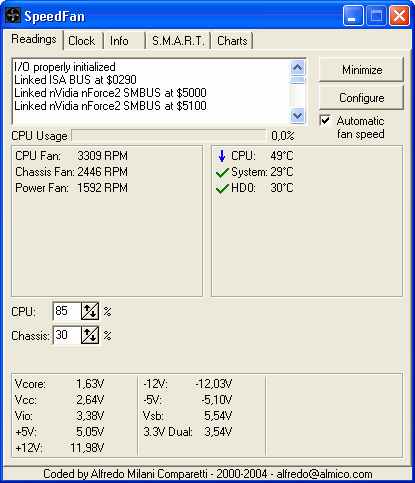
With the F2 key you can rename any reading found by SpeedFan. On the configuration dialog you can see the
hardware monitor chips that were found, where they are located and sample readings. SpeedFan knows about a lot of
different digital sensors and system bus. If you
happen to see an unusually high temperature on this dialog, perhaps it is simply a disconnected sensor: something
that the hardware monitor chip can monitor, but that the motherboard manufacturer didn't use.
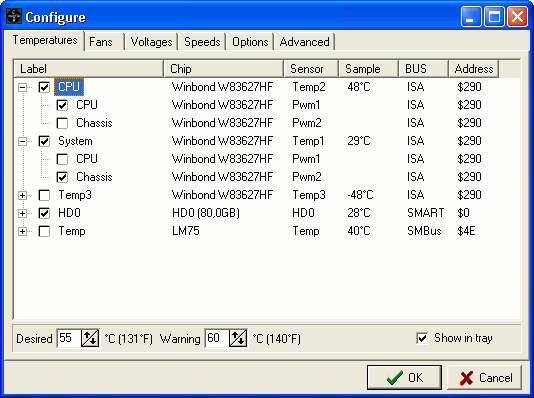
This section is extremely powerful. Here you can fine tune your hardware. You can fix wrong temperature readings
if you discover that an offset is needed because the manufacturer put the actual sensor slightly away from the
monitored chip. You can even fix reported fan speeds, if they are, for example, twice the real value. The most
important options here allow you to enable software fan speed control. By setting the remember it option
you can tell SpeedFan to set that option whenever it starts and whenever your system resumes from standby.
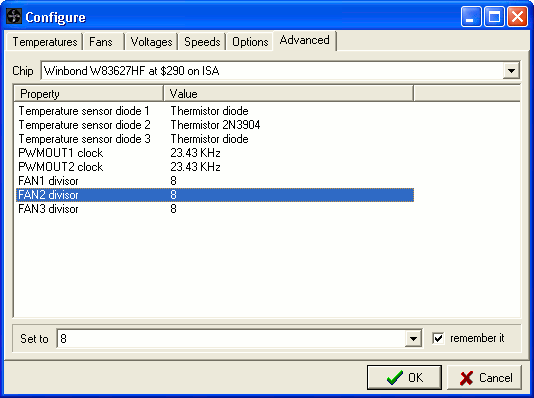
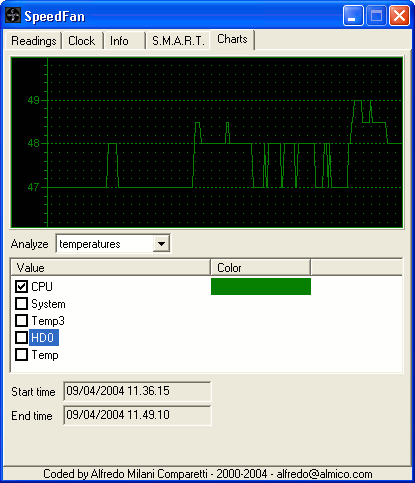
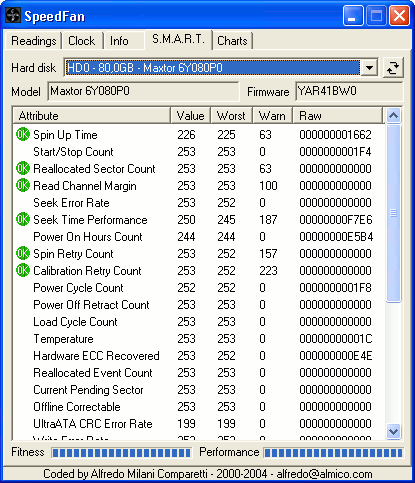
S.M.A.R.T. (or SMART) is a technology that allows the end user query the hard drive about its health and,
usually, performances. SpeedFan can query those info for you. SMART reports, for example, if the hard
disk has been used for too much time (thus reaching its expected end of life), or if it took too many
attempts to start spinning, or even if too many read errors occurred. You might have a look at the
"What is S.M.A.R.T. and how can we use it to avoid data disaster?"
article.
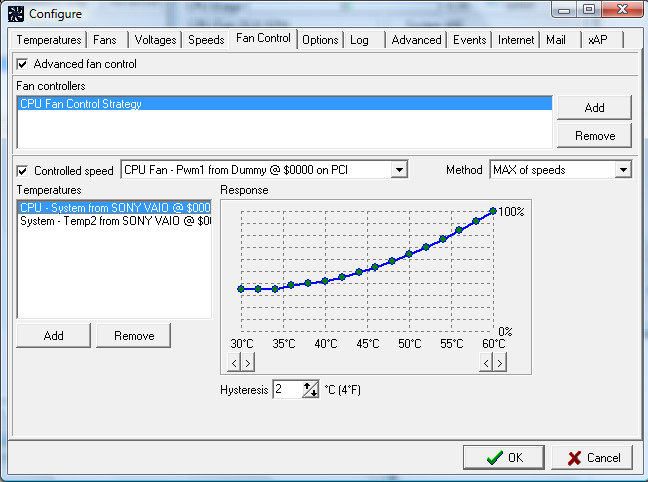
Fan speeds can be controlled by means of custom response curves. Different temperatures can have
different response curves and multiple temperatures can control each fan speed.
| Page generated in 0.1104 seconds | Powered by (new)... | Page viewed 3323945 times |
| - | Did you know that SpeedFan has an  feed?
feed? |
Privacy policy |